Introduction
Businesses in Pakistan are increasingly moving towards digital invoicing to meet tax compliance requirements and improve invoice management. One important element of product-based invoicing is the HS Code (Harmonized System Code).
Whether you are a manufacturer, importer, exporter, wholesaler, or distributor, understanding HS Codes can help you maintain accurate product records and prepare digital invoices correctly.
When preparing invoices through an FBR-integrated invoicing system, businesses should ensure that product information, tax rates, and classification details are accurate and consistent with the applicable FBR requirements.
In this guide, we explain what an HS Code is, why it matters in FBR digital invoicing, and how businesses can manage product codes efficiently.
What Is an HS Code?
An HS Code is a standardized numerical code used to classify goods for international trade and customs purposes. HS stands for Harmonized System.
The system is maintained by the World Customs Organization (WCO) and provides a common structure for identifying different types of products.
For example, different categories of goods, such as machinery, textiles, plastics, and electrical equipment, have different classification codes.
The internationally harmonized HS structure generally begins with six digits. Countries may extend this structure with additional digits for national customs and tariff requirements.
In Pakistan, the relevant classification should be checked against the applicable Pakistan Customs Tariff and current FBR requirements.
Why Is an HS Code Important in FBR Digital Invoicing?
HS Codes help businesses identify and classify products accurately. Depending on the product and applicable reporting requirements, classification information may be required when preparing or submitting digital invoices.
Correct product classification can help businesses:
- Maintain consistent product information across invoices.
- Support accurate tax reporting and product identification.
- Reduce mistakes caused by incorrect or inconsistent product records.
- Improve inventory and sales reporting.
- Support customs documentation where applicable.
- Prepare invoice data for validation through an integrated invoicing system.
Important: HS Code requirements can vary according to the product, transaction type, and applicable FBR rules or invoice schema. Businesses should confirm which classification field and code format apply to their specific transactions.
Is an HS Code Mandatory for Every FBR Digital Invoice?
Not necessarily in the same way for every transaction.
The applicable FBR digital invoicing specifications and reporting requirements determine which fields must be provided for a particular invoice. Product classification requirements may depend on the relevant scenario, product category, and transaction.
Businesses should not assume that every invoice uses the same code format or that a generic code is acceptable for every product.
Before submitting an invoice, confirm the current requirements applicable to your business and product category.
How to Find the Correct HS Code for Your Products
Choosing the correct HS Code is important for maintaining accurate product records. Follow these steps:
1. Identify the Product Clearly
Record the product’s commercial name, material, function, composition, and intended use. A general description may not provide enough information to determine the correct classification.
2. Check the Pakistan Customs Tariff
Consult the current Pakistan Customs Tariff and relevant official guidance to identify the appropriate classification for your product.
3. Review the Product Description
Compare your product’s specifications with the descriptions and classification notes in the relevant tariff heading. Similar-looking products can have different classifications depending on their materials, functions, or intended use.
4. Verify the Required Code Format
Confirm whether the applicable system requires a six-digit HS Code or a more detailed national tariff code. Do not assume that a code used in customs documentation is automatically the correct value for every digital invoicing field.
5. Maintain Accurate Product Records
Store the verified classification with the product’s name, description, unit of measurement, and other required tax information in your invoicing or inventory system.
For products with uncertain classifications, seek advice from a qualified customs or tax professional.
Common HS Code Mistakes to Avoid
Incorrect product classification can create unnecessary compliance and operational problems. Businesses should avoid the following mistakes:
- Using one code for unrelated products: Products with different characteristics may require different classifications.
- Copying codes from old invoices: Previously used codes should be reviewed against current requirements.
- Ignoring product specifications: Material, composition, and intended use can affect classification.
- Confusing HS Codes with internal product IDs: A company’s SKU or item number is not automatically an HS Code.
- Using an incorrect number of digits: The required format depends on the applicable tariff or reporting specification.
- Ignoring invoice validation errors: If a digital invoicing system rejects a product classification, review the code, product details, and applicable reporting rules rather than repeatedly submitting the same data.
How FBR Digital Invoicing Software Can Help
Managing product classification manually across hundreds or thousands of items can be time-consuming. An integrated digital invoicing system can make the process more organized.
With a properly configured FBR digital invoicing solution, businesses can manage product records, maintain consistent invoice data, validate invoice information before submission where supported, and track invoice processing.
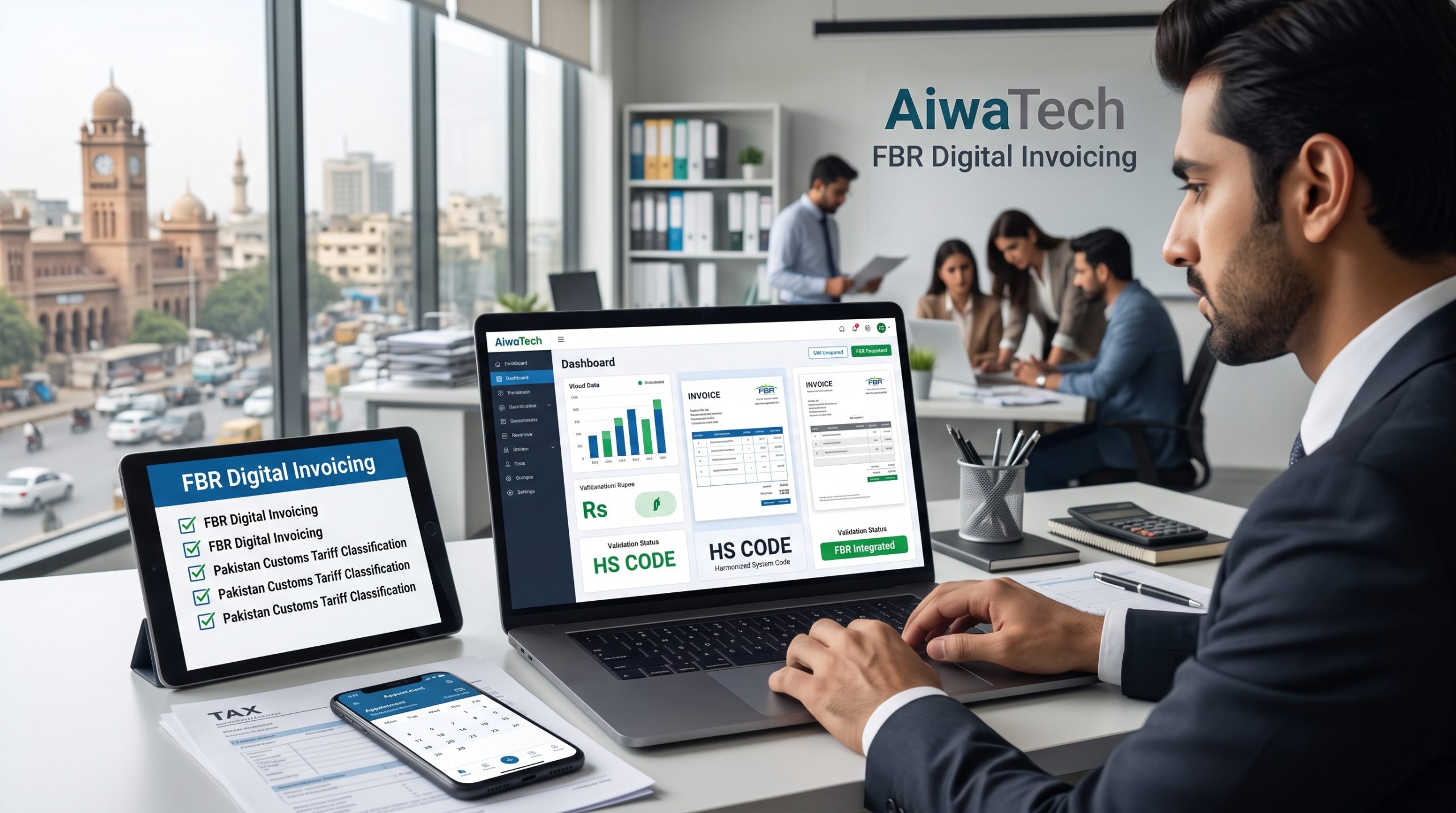
AiwaTech FBR Digital Invoicing helps businesses manage their digital invoicing workflow and organize the information required for invoice preparation and integration.
Before implementation, businesses should verify that their selected software and configuration support the fields and validation rules applicable to their transactions.
Who Should Pay Attention to HS Codes?
HS Code management is particularly relevant to:
- Manufacturers selling taxable goods.
- Importers dealing with customs-classified products.
- Exporters preparing product documentation.
- Wholesalers and distributors managing multiple product categories.
- Businesses integrating their existing ERP, POS, inventory, or accounting software with digital invoicing systems.
Even when a business already uses accounting or inventory software, product classification data should be reviewed before integrating invoice submission.
Frequently Asked Questions (FAQs)
1. What does HS Code stand for?
HS Code stands for Harmonized System Code. It is used to classify goods for customs and international trade purposes.
2. How many digits are in an HS Code?
The internationally harmonized HS code structure uses six digits. National tariff systems may extend the code with additional digits.
3. Is HS Code the same as a product SKU?
No. A SKU is an internal identifier used by a business to track its products. An HS Code classifies goods under the applicable customs classification system.
4. Can I use the same HS Code for multiple products?
Only when those products correctly fall under the same classification. Similar names alone do not establish that two products share the same HS Code.
5. What should I do if my invoice fails validation?
Review the invoice error message, product description, classification value, required code format, and applicable FBR reporting specifications. Correct the underlying data before submitting the invoice again.
6. Does FBR digital invoicing software automatically select the correct HS Code?
Software may help store, organize, or validate product information, depending on its features. Businesses remain responsible for ensuring that the selected classification is appropriate for their products.
Conclusion
HS Codes are an important part of product classification and can support accurate tax documentation and digital invoicing when required by the applicable rules.
For Pakistani businesses, the best approach is to maintain verified product classifications, keep product records up to date, and confirm current FBR digital invoicing requirements before submitting invoices.
With a properly configured invoicing workflow, businesses can reduce manual errors, improve consistency, and manage their invoicing operations more efficiently.
Need help with FBR digital invoicing?
Explore AiwaTech FBR Digital Invoicing to learn how your business can organize invoice preparation and integrate its invoicing workflow.
Visit: https://fbrdigitalinvoices.com/
Book a demo: https://calendly.com/fbr-digital-invoices/30min
Disclaimer: This article is for general informational purposes and is not tax or customs advice. Verify current FBR specifications, applicable Pakistan Customs Tariff classifications, and legal requirements before relying on a specific HS Code or invoice field.